
The set is running. Everyone is on it.
Planning tools stop when the music starts. Live sync is the part that keeps going — the whole band on the same song, the same section and the same key, for as long as you are playing.
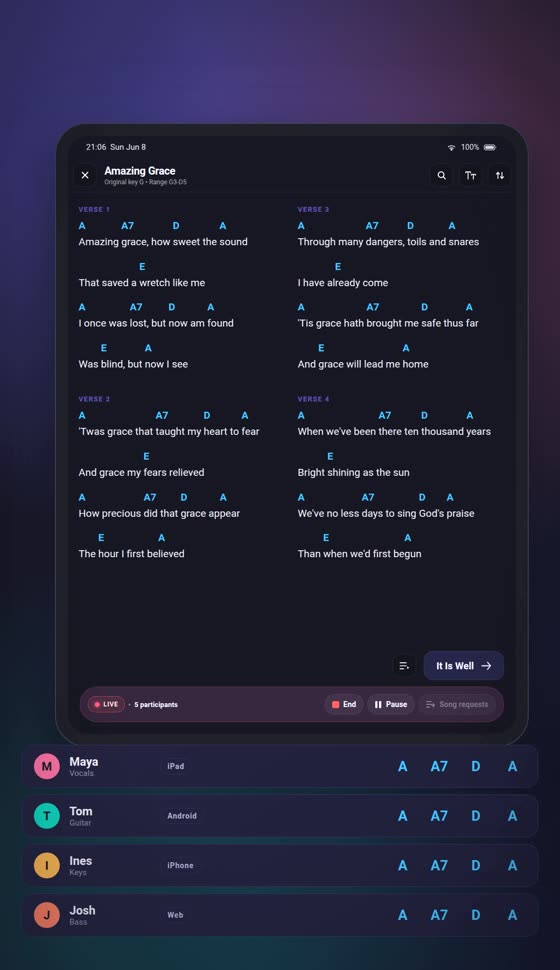
Four things happen, and none of them need talking.
Open the set and go live
Hit Prepare live on a set your organisation owns, then invite everyone on it in one action.
They join on what they brought
iPad, Android, iPhone, a laptop at the back. Nothing to install, nothing to learn — they watch, you lead.
You move, they move
Same song, same section, same key. Change the key and every screen follows before you finish the bar.
The set stays yours to steer
Add a song mid-session, take a request, hand the lead to someone else, pause without losing the room.
Put the words on the wall, without a second app.
Send lyrics to a projector or a second window while the session runs — plus a countdown, a PDF or a video where you need one. For a small room, that is the whole presentation setup.
Presentation knows which song the live set is on, and asks before it follows — the operator keeps their screen. What presentation does.
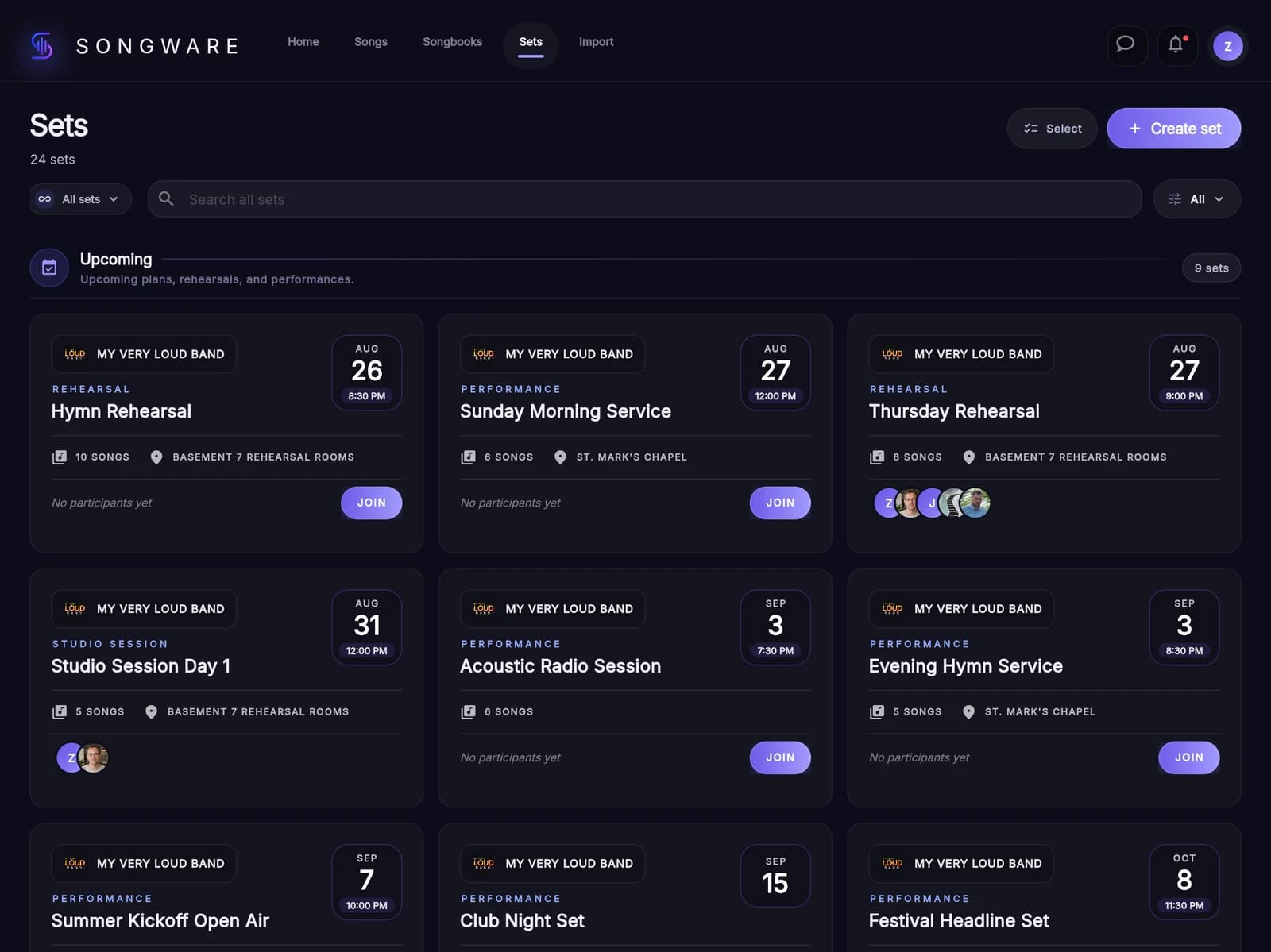
Try it on one rehearsal.
That is usually enough to know. Open the web app, build one set, and run it live with whoever is in the room.